

A guided Blender path for Blender 5.2 LTS
Learn Blender one finished project at a time
Eleven courses that build on each other, taught by six working artists. Start with a single cube, then model, sculpt, shade, light, animate, rig, and simulate scenes like the ones on this page. 336 lessons, about 47 hours, at whatever pace suits you.
Not sure which to pick? Streaming versus downloads, explained
- connected courses
- 11
- video lessons
- 336
- hours of instruction
- 47
- minutes of CORE V1 watched
- 1.27M+
Why a path
You finished a few tutorials. Now what?
Tutorials teach a result. CORE teaches the reasons behind it, in an order where each course hands you what the next one needs.
You model before you sculpt, shade before you texture, and animate before you rig, so you understand what the rig is for when you get there.
The first CORE was watched for more than 1.27 million minutes. This version is rebuilt from scratch for Blender 5.2 LTS, with Grease Pencil and Geometry Nodes added to the path.
The curriculum
Eleven courses, in an order that makes sense
Every course ends with a project you build yourself. Hover the artwork to see a course in action, or watch its trailer.
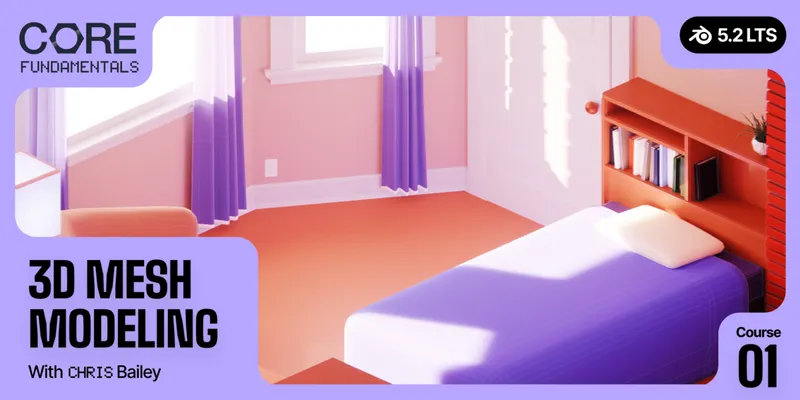

01Mesh Modeling
Model hard-surface props with clean topology and subdivision surfaces. Everything else on the path starts here.

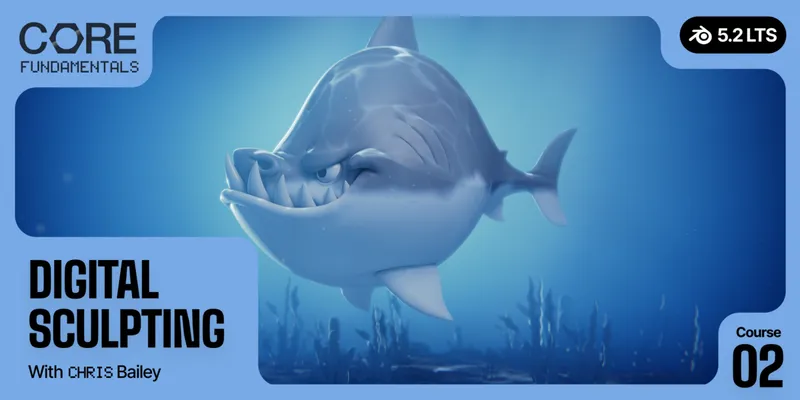
02Digital Sculpting
Shape organic creatures from digital clay, then sculpt a shark from scratch.

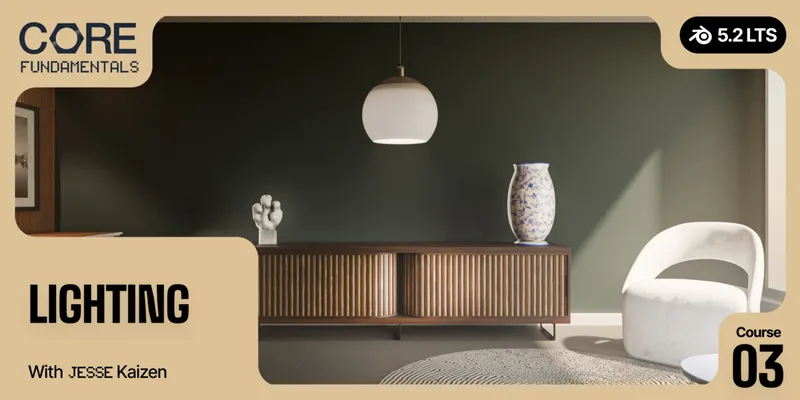
03Lighting
Light scenes with intent in Cycles and EEVEE, so your renders look the way you planned.
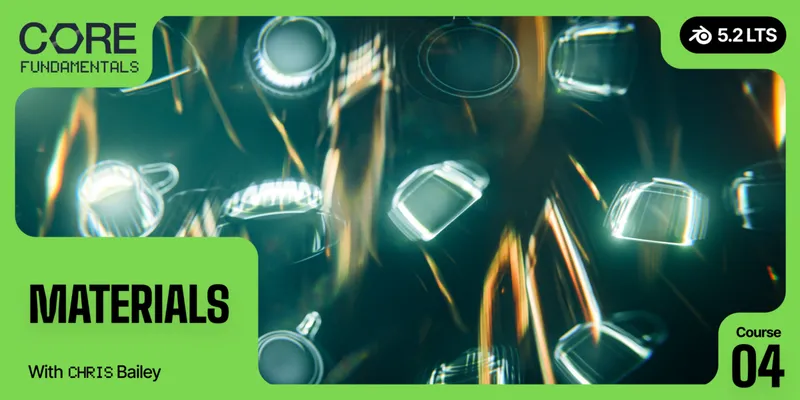

04Materials
Understand how shaders work, then build your own materials node by node.
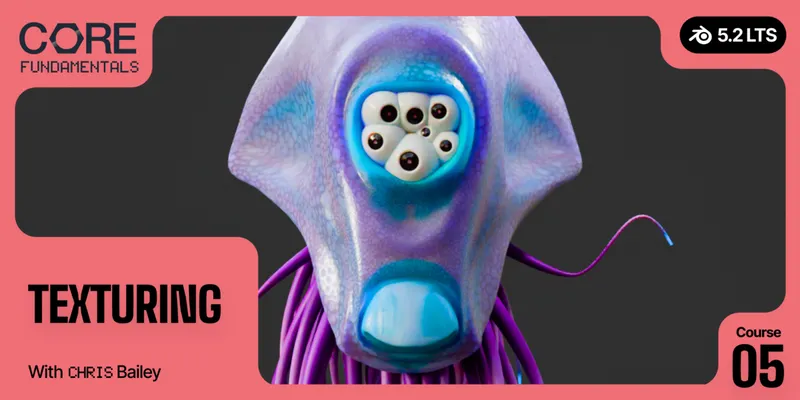

05Texturing
UV unwrap, paint, and bake textures for a creature and a mechanical prop.
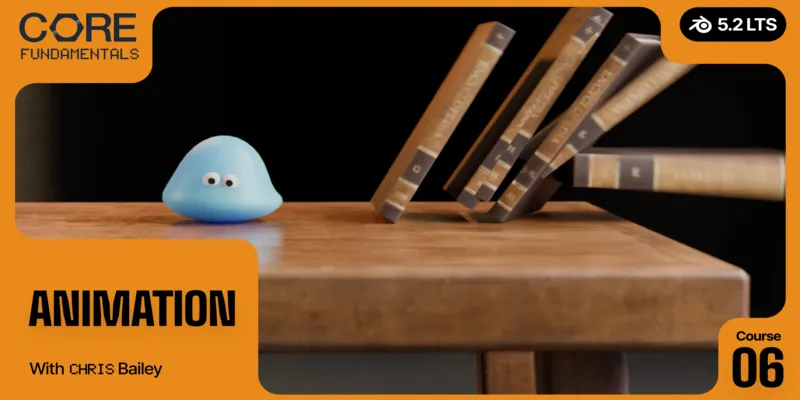

06Animation
Learn keyframes, F-curves, and the Graph Editor, from a bouncing ball to a character walk cycle.
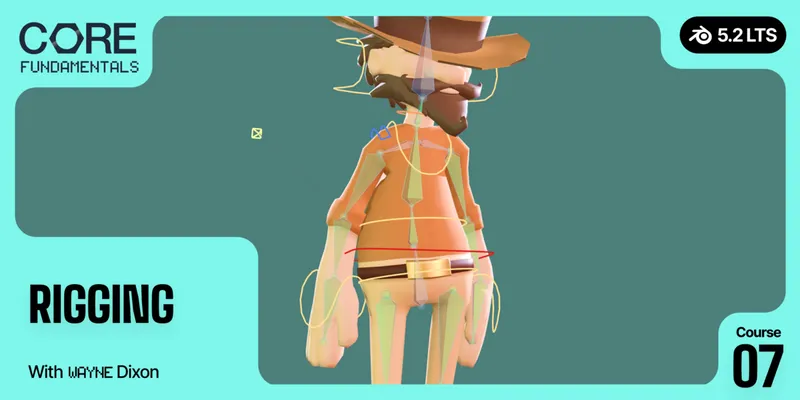

07Rigging
Build character controls and deformation, with assignments that help you check your work.
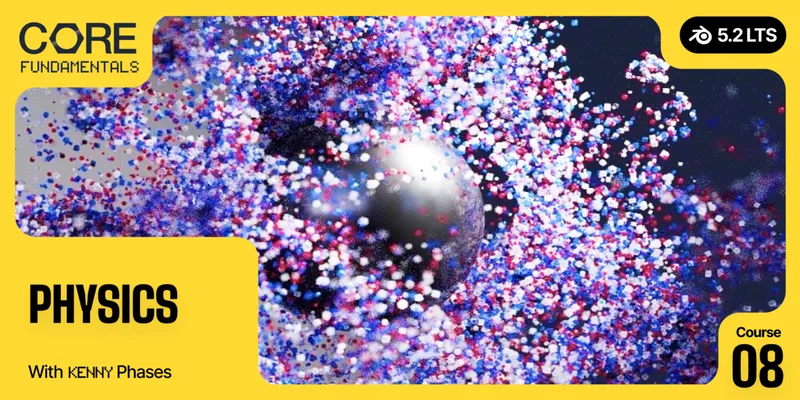

08Physics
Make things crash, flow, and burn with rigid bodies, cloth, fluid, smoke, and fire. Learn to troubleshoot your sims.
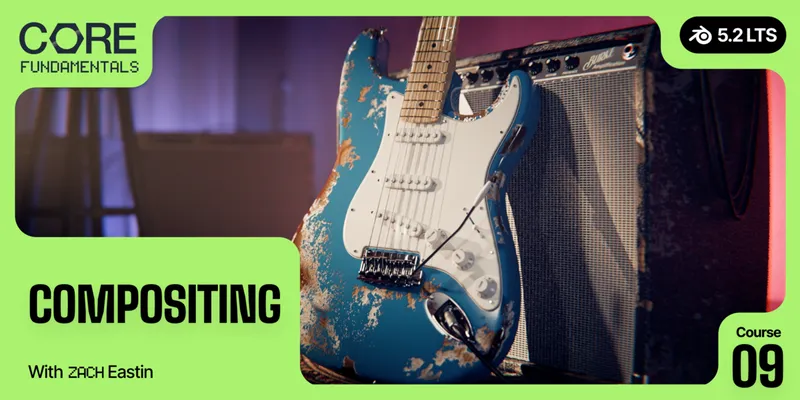

09Compositing
Rebuild render passes in post. Add depth, mood, and green screen keys without re-rendering.

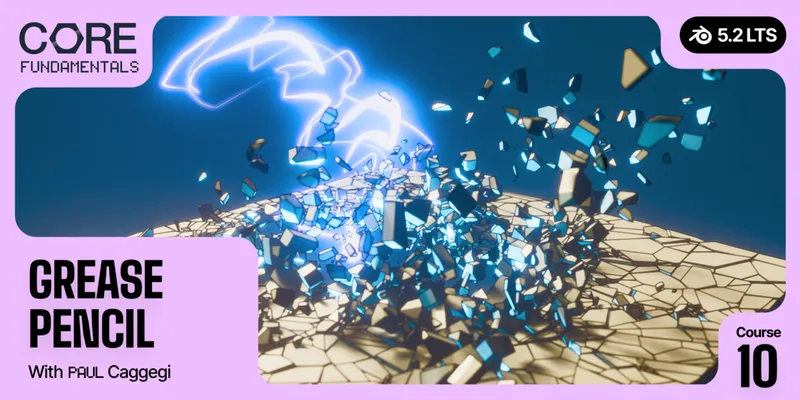
10Grease Pencil
New in V2Draw and animate 2D artwork inside your 3D scenes, working toward a layered illustration.

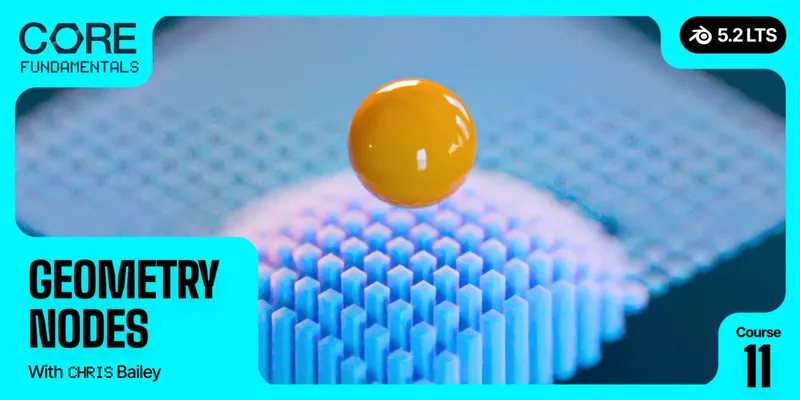
11Geometry Nodes
New in V2Build a scatter system and custom node tools as you learn data types, simulation zones, and procedural workflows.
Your instructors
Taught by artists who use Blender every day
Six instructors share the tools and workflows they rely on in their own work, and explain why each step matters.

Chris Bailey
Blender Instructor
Modeling, Sculpting, Materials, Texturing, Animation, Geometry Nodes
LinkedIn




For educators and teams
A curriculum you can teach from
CORE gives your students one consistent, sequenced path, so you spend less time stitching together tutorials before class.
Teaching a class or buying for a team? Email support@cgcookie.com about multi-seat licensing, purchase orders, and invoices.
- Sequenced to assign
- Eleven courses in a deliberate order. Assign them lesson by lesson and students always know what comes next.
- Stable for a full term
- Built on Blender 5.2 LTS, which has two years of support. Plan a course without it changing under you.
- Fits your schedule
- Self-paced, so it works for a semester, a summer intensive, or a club that meets once a week.
- One consistent source
- Six instructors, one connected curriculum, and project files for every course.
Available now
Pick the way you'd like to learn
Both options include all eleven courses. Streaming on CG Cookie is a single $199 payment with project files, a certificate, and the CORE community. Superhive sells the downloadable videos.
Not ready yet?
Leave your email and we'll send CORE news and updates now and then.